Couriers and parcel delivery
Provide customer carbon figures from shipment records. Keep delivered results separate from estimates awaiting delivery, and retain the details behind each figure.
See a customer carbon report →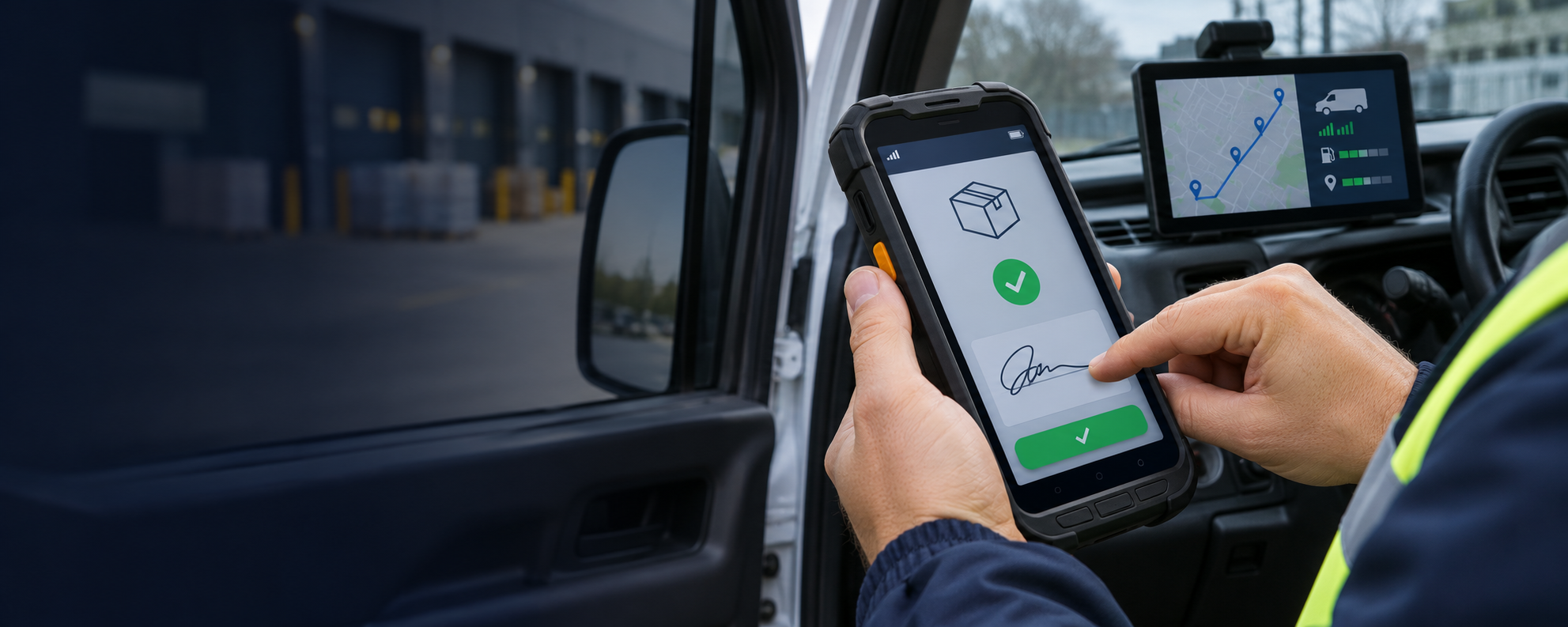
Start with supported shipment and journey files. We agree how your records are imported and checked; direct system connections depend on your setup.
See how the records come together ↓Follow the dotted lines from the vehicles, depot and office to your records. The arrows show where the figures go next.
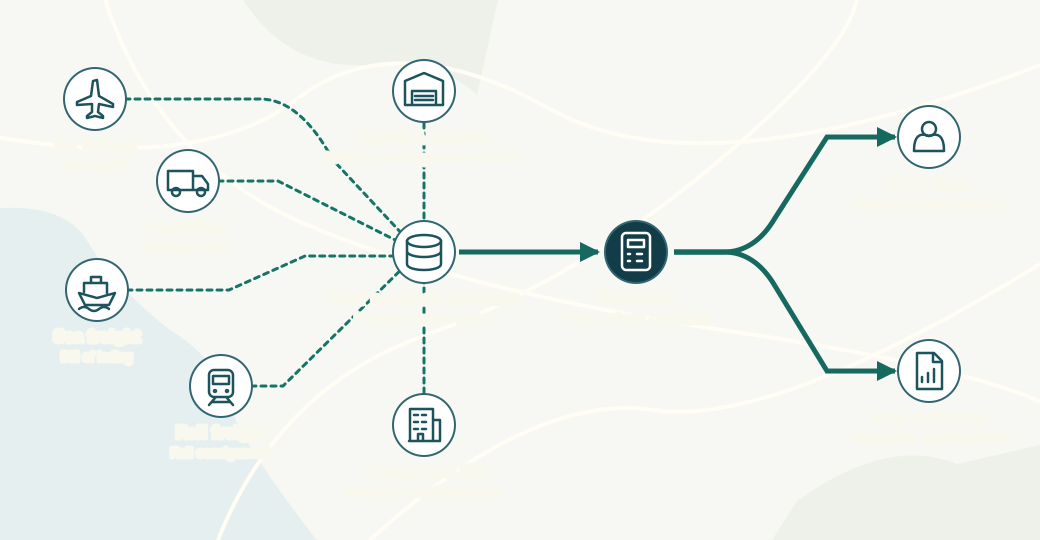
If the depot records a different weight, REVIDON uses the revised weight to update the emissions estimate and keeps the original booking. Your team can explain why the figure changed. Once delivery is confirmed and the calculation is approved, the booking counts once in the delivered total.
Choose the work you do to see which records to supply and what appears in your report.
In the pilot · Transport bookings
Calculations we can tailor to your services · Packaging, returns and depot energy
Start with the booking: collection, destination, shipment weight and how it travelled. A depot weight update replaces the booked weight in the estimate. Proof of delivery moves the result into the delivered total. You can estimate a booking without a fuel bill.
Use the packing list for the dispatch and the weight of each material used. Multiply the amount of cardboard or filler by its material factor. The report shows packaging emissions separately from the delivery.
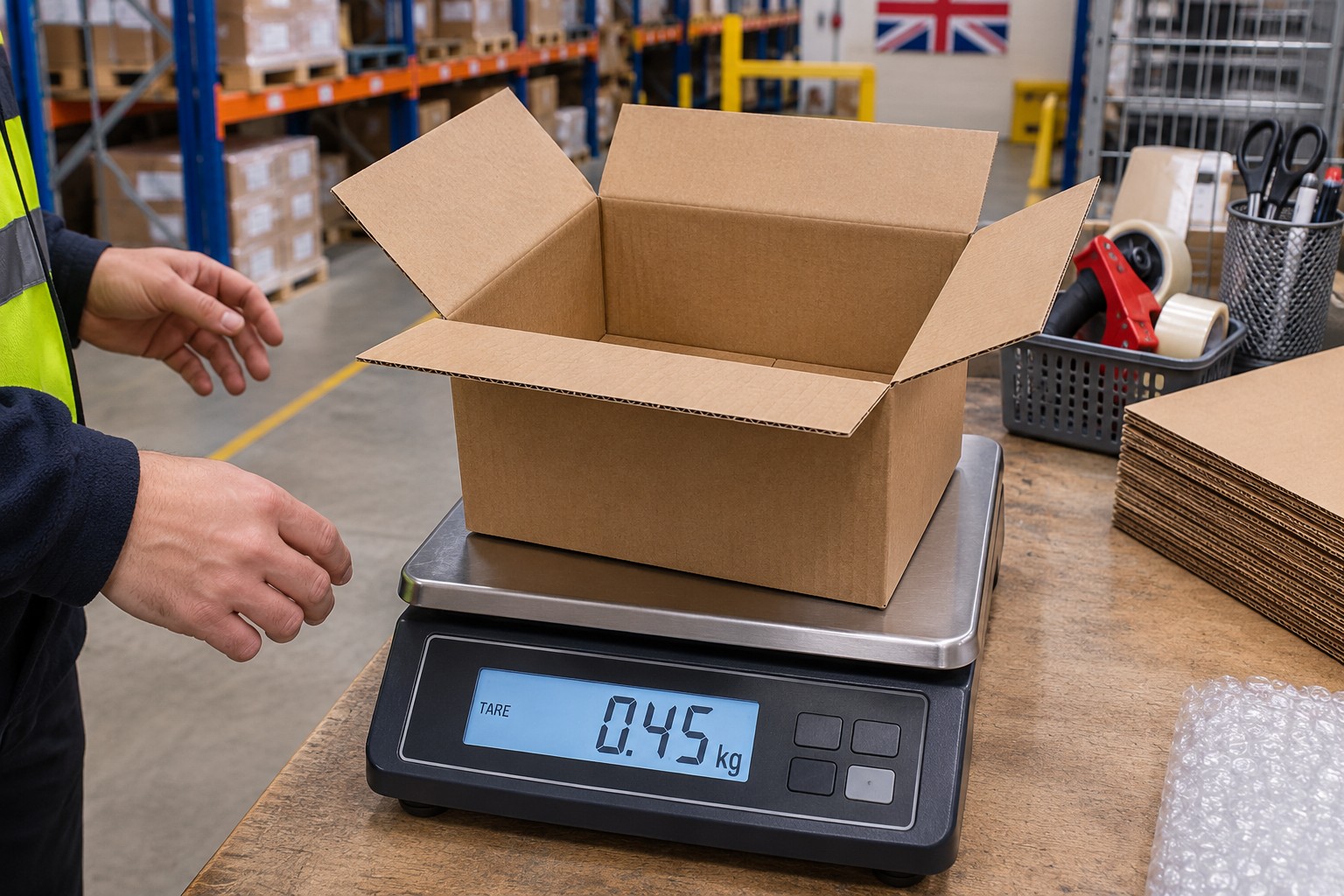
Example of a service configured with your business
Link the collection booking, job sheet and treatment receipt by return reference. Follow a faulty item from collection to disposal.
Use dated generation, import and export meter readings for the same depot and period. These show how much solar electricity stayed on site and how much electricity came from the grid. Agree how to share site use between customers before reporting their kWh and associated emissions.
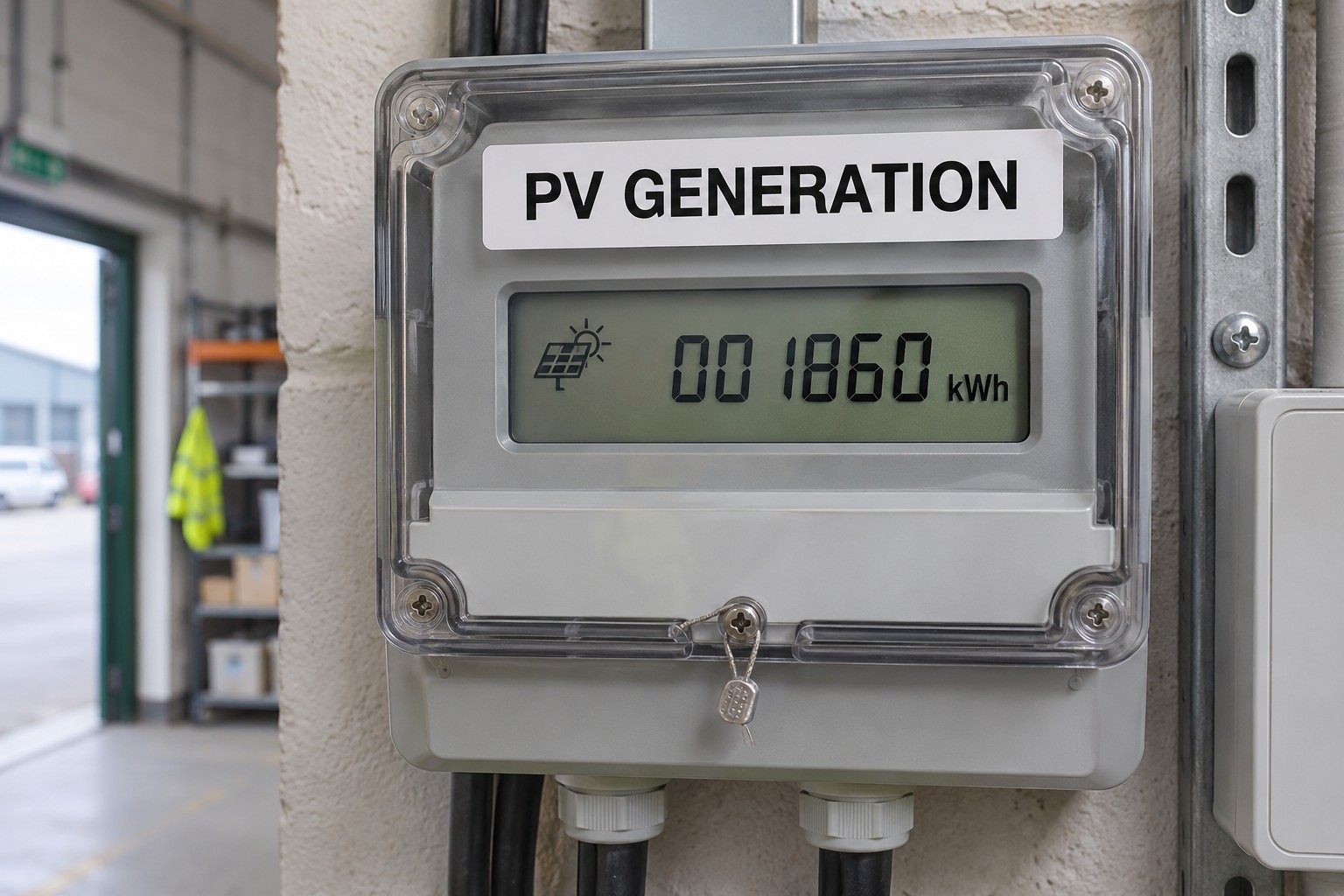
Example of a service configured with your business
A booking database, handheld proof-of-delivery device or vehicle system can supply the records. The pilot uses file uploads. For a direct feed, we agree the connection and update frequency with you.
Discuss your operation →Provide customer carbon figures from shipment records. Keep delivered results separate from estimates awaiting delivery, and retain the details behind each figure.
See a customer carbon report →Link each load to the collection, trunk haul and final delivery legs you know. Record the transport modes and assumptions used, so customers can understand their freight emissions estimates.
Understand the calculation basis →Identify the journey, mileage, vehicle and fuel records needed for your reporting. During pilot setup, we agree which files and calculation methods your business needs.
Explore a fleet reporting pilot →A faulty cooker, a fridge-freezer or a damaged bathroom fitting may need collecting after delivery. The photos below follow one damaged bath. For each item, the calculation uses the journeys, work and waste treatment recorded for that return.
Figures are in kg CO₂e. For your service, we agree the activities and factors, and link each figure to its supporting record.
See the client’s returns report → · Discuss your returns and disposal process →See how the emissions for one delivery are calculated →
During onboarding we agree how to handle your regular services and exceptions. Bookings with sufficient information are processed automatically, using the rules agreed with you. If a collection or delivery address is missing and the route cannot be established, your team checks the booking.
Once the rules are in place, our target for routine weekly consignment checks is 5–10 minutes. Asking a depot or customer for missing details can take longer. Staffing, safety and governance reviews need their own time allowance.
Customers ask for carbon figures. Social and governance information is different: it is usually requested by a company’s owners or parent group when they have their own reporting obligations. Bring those answers and their evidence together in one place.
 E
Explain the emissions from your transport operations.
 S
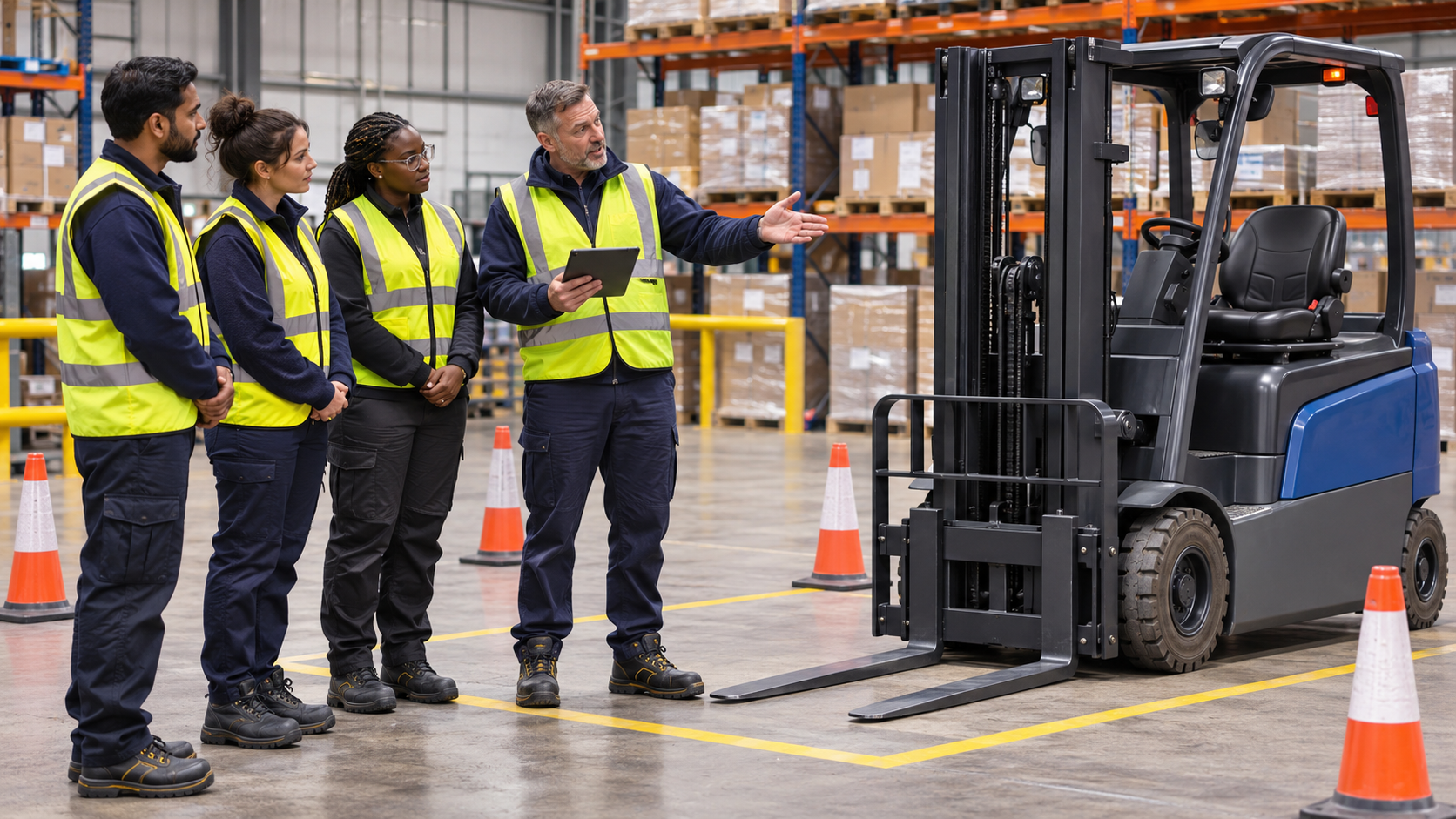
Show how you look after the people delivering your service.
 G
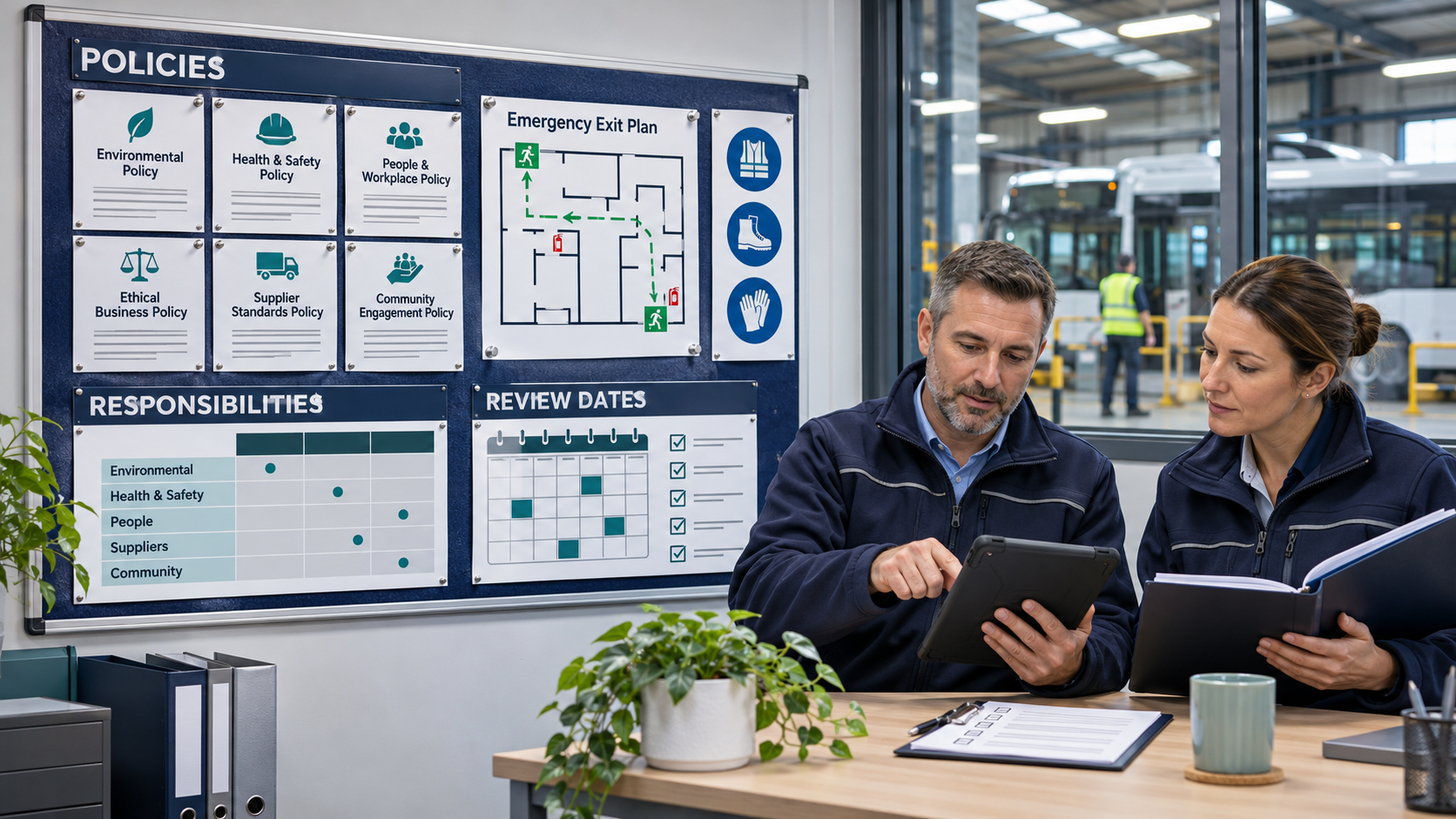
Show who is responsible and how your business checks its work.